Building a game and engine from scratch
Building a game from scratch. No Unity, no Unreal, no Godot. Just C, C++, and OpenGL. The project is codenamed Coopla, and the custom engine powering it is called Terra.
Game, engine & libraries
The engine is written in C17 with OpenGL 3.3. No massive framework with a load of stuff we will never need. Just enough to get pixels on screen and a player moving through 3D space.
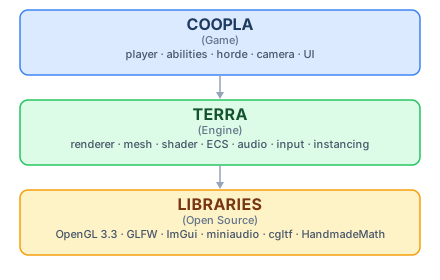
Game specific code on top, the engine in the middle handling rendering, input, camera, lighting and audio, and platform libraries at the bottom.
First signs of life
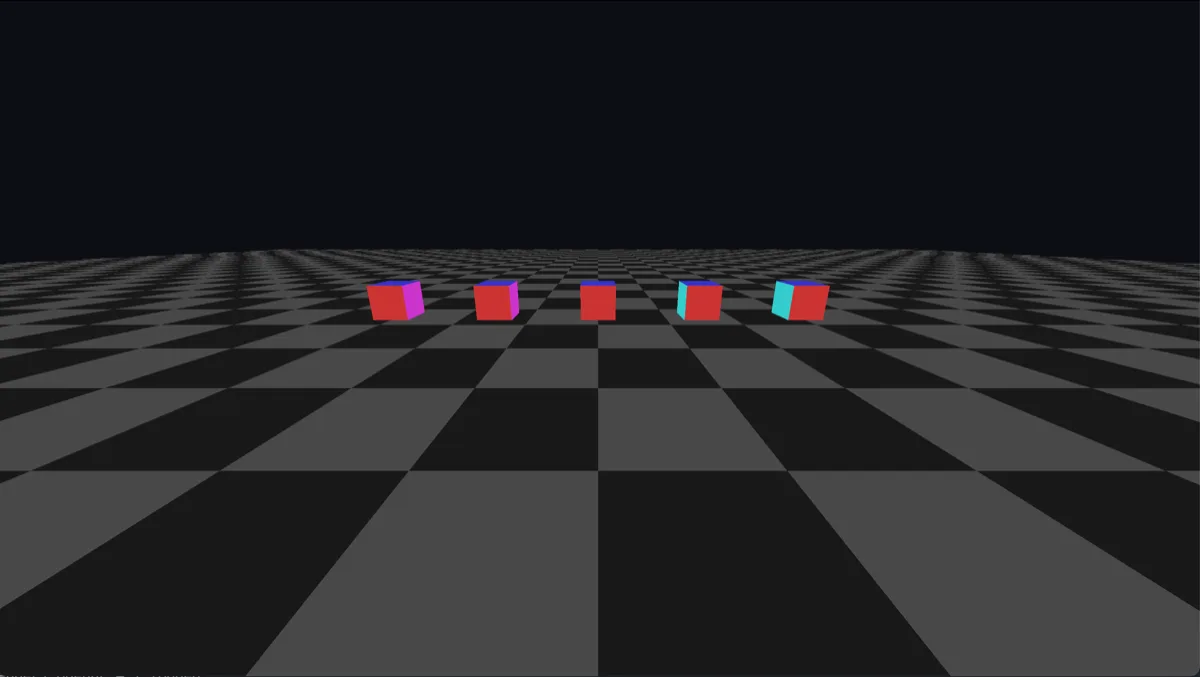
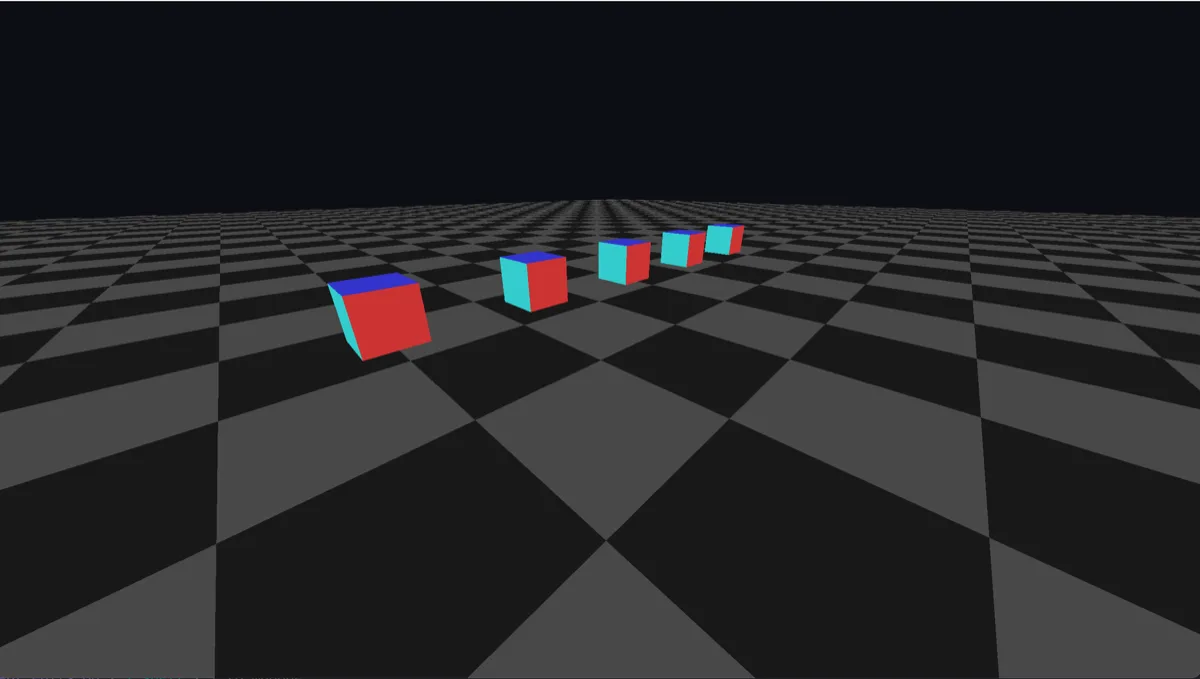
The first milestone was getting the renderer working. A chequered floor and some cubes, each face tinted differently using vertex data (the simplest way to shade geometry without textures).
Building the tools
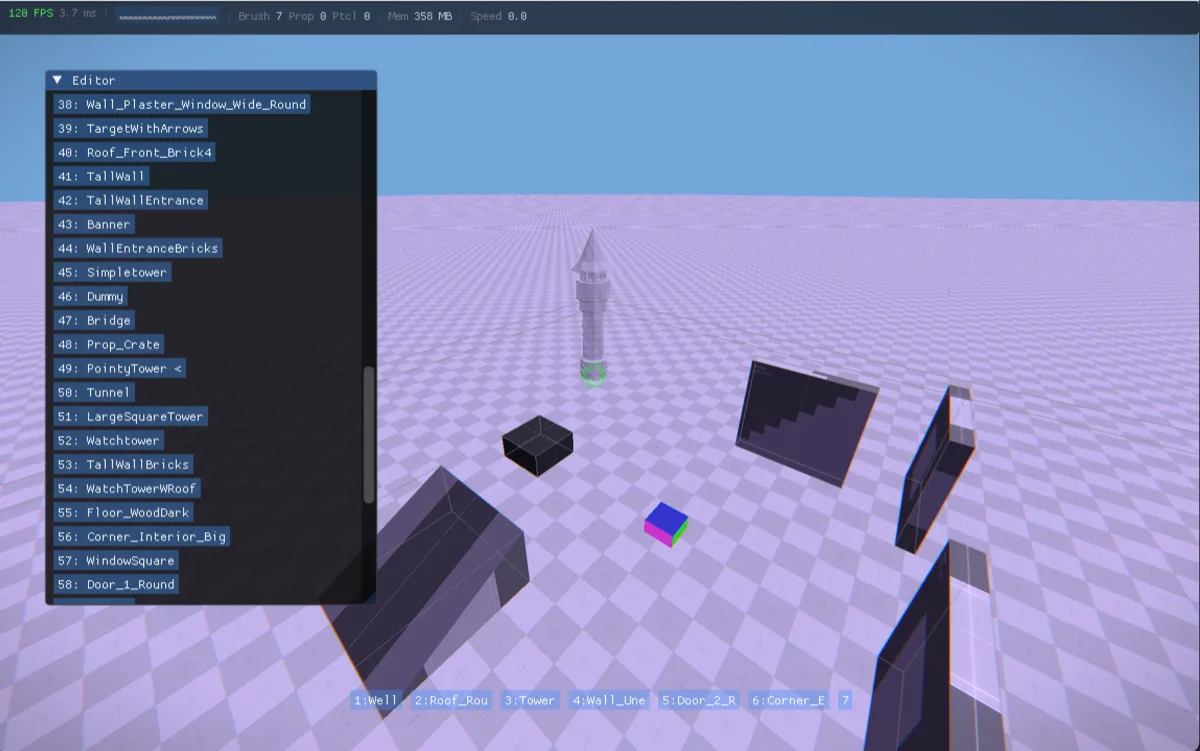
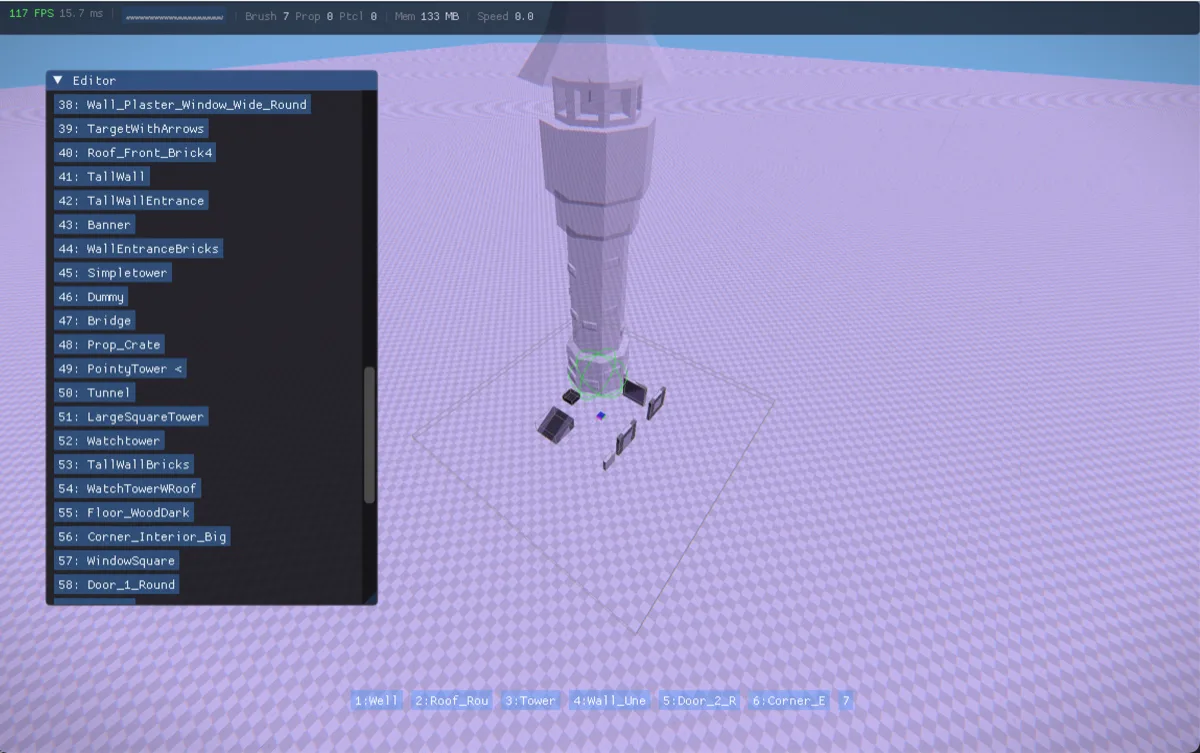
After adding a lightbox and some other basics, I integrated ImGui: an open source C++ GUI library for building in-engine tools. I built a level editor with brush placement, an asset pipeline for importing 3D models (glTF format), and prop placement for dropping objects into the scene.
Here I’m stacking tower props at different scales to test the prop system.
Physics & movement
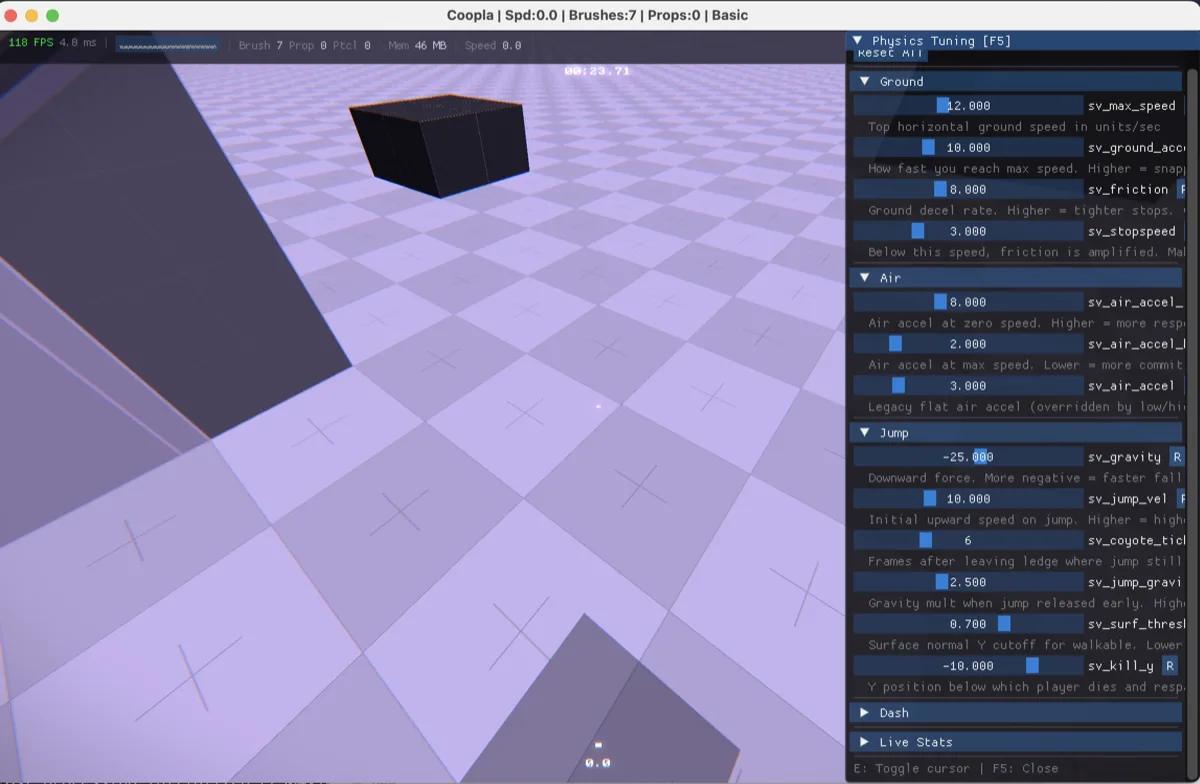
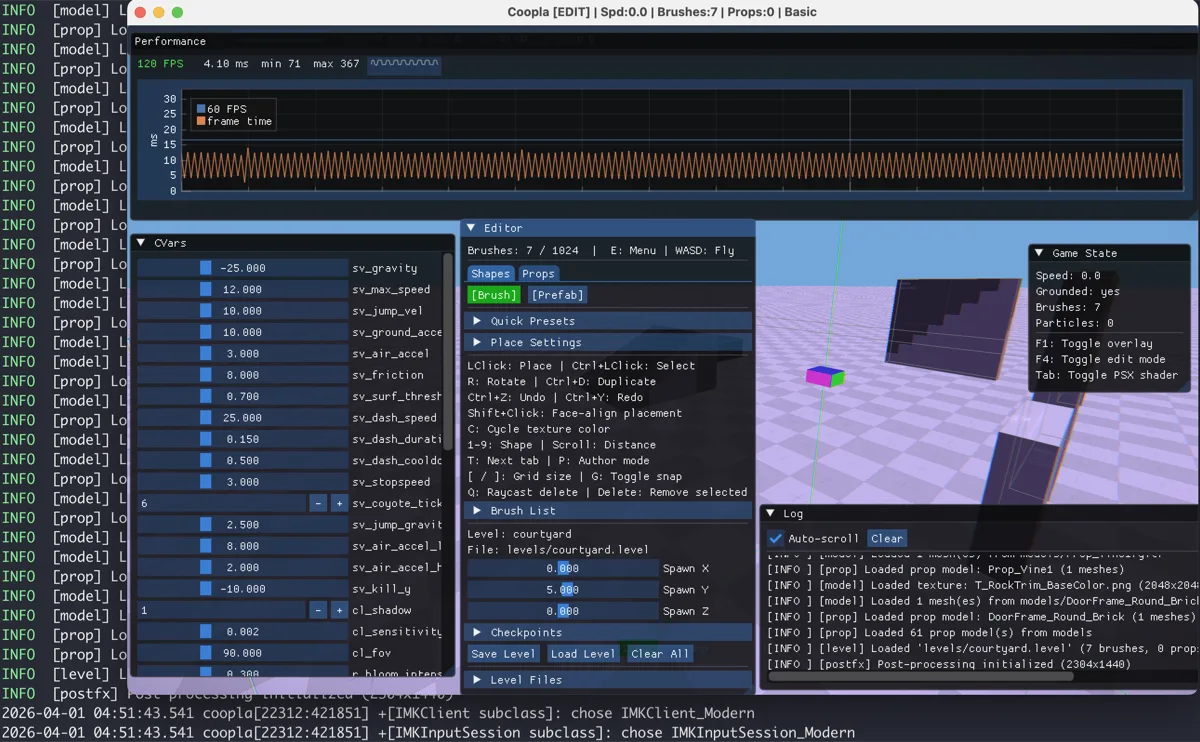
The best way to tune in game movement is to just feel it while playing. Using the ImGui sliders I can easily adjust physics whilst I play until things feel right.

The movement system is based on Quake’s air acceleration model, which means it supports strafe jumping. It’s a bit rough at this point but you can see it working as the bar at the bottom tracks speed.
Developer console & debug tools
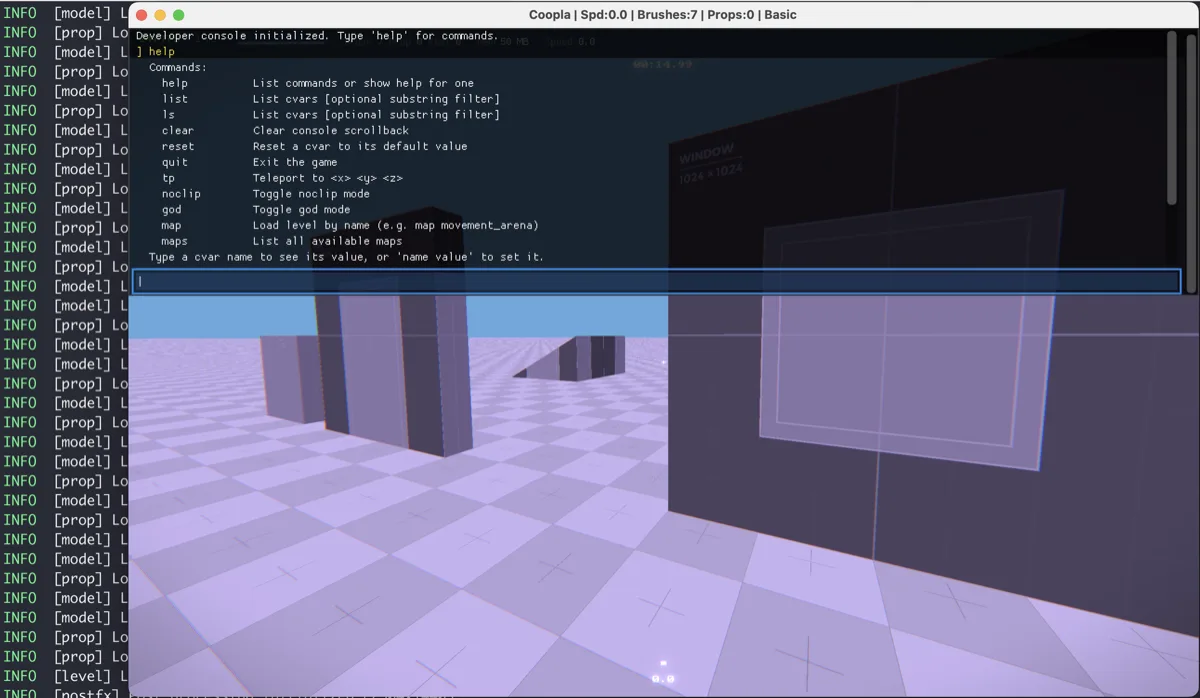
I built a Quake/Source-style developer console that drops down with the tilde key. It’s useful for things like teleport, noclip, god mode, and direct CVar editing, all with tab autocomplete and command history.
Here’s everything open at once (performance graphs, game state, log viewer, etc.)
Nextbot detour
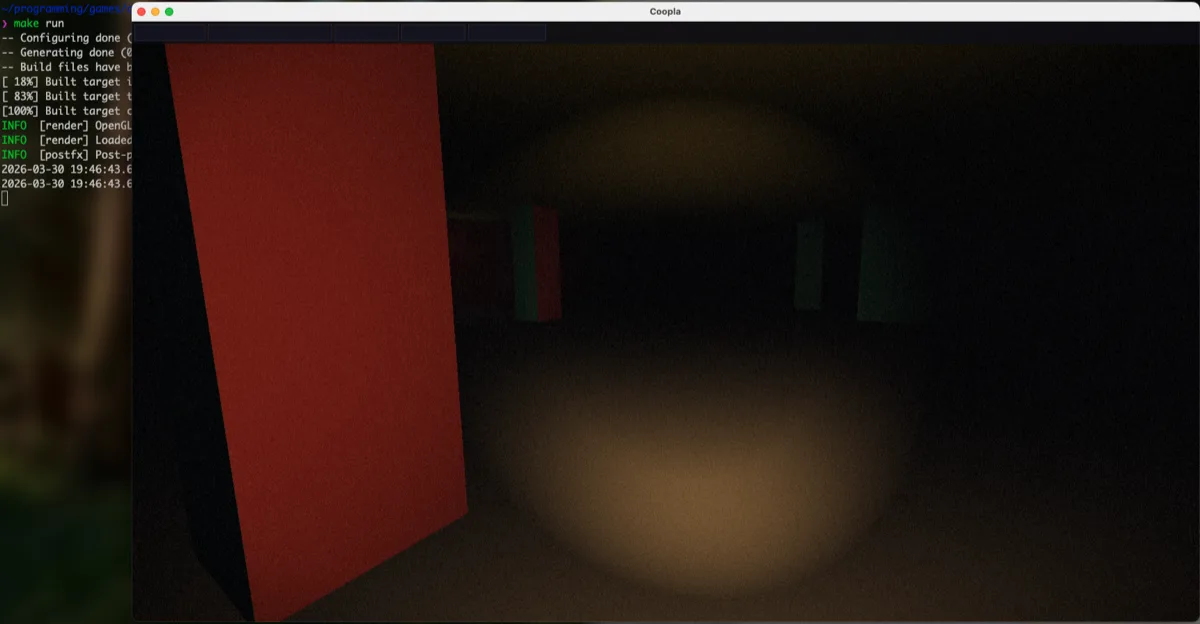
I messed around with nextbots (the AI system from Garry’s Mod). Slowed the movement down, added fog, a torch, some pillars to hide behind, and had a nextbot chasing the player through a dark room.
Zooming out
I started experimenting with procedurally generated rooms and started building a system that pieces together simple room templates and arranges them into a dungeon layout.
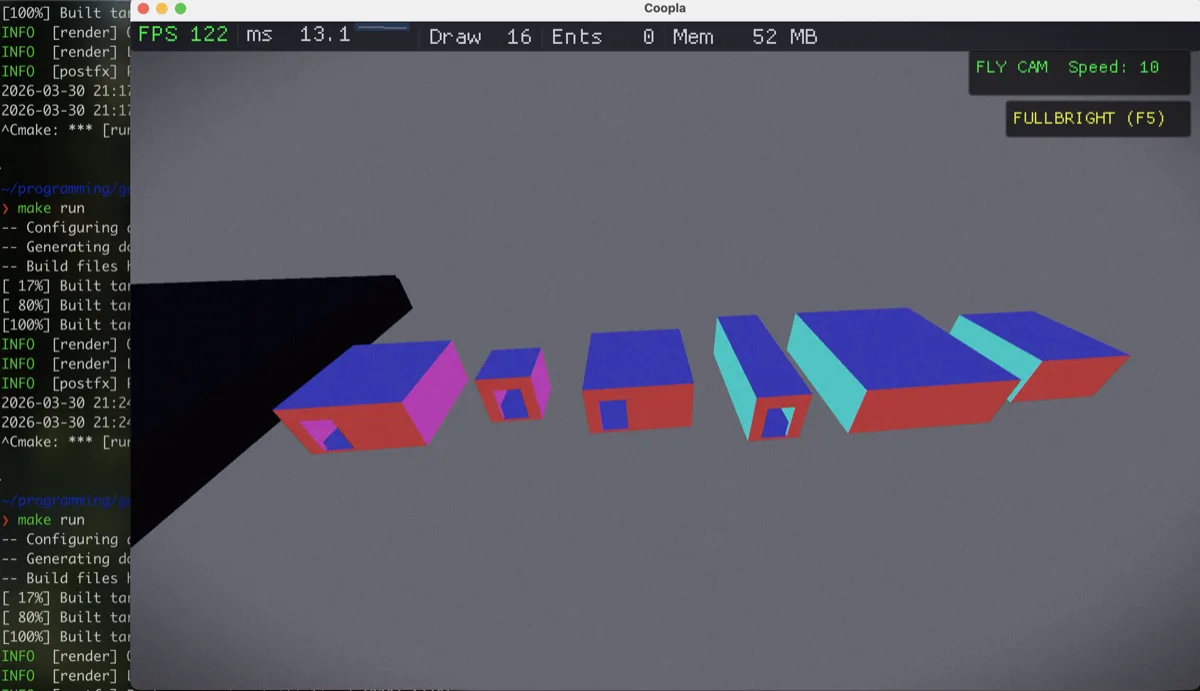
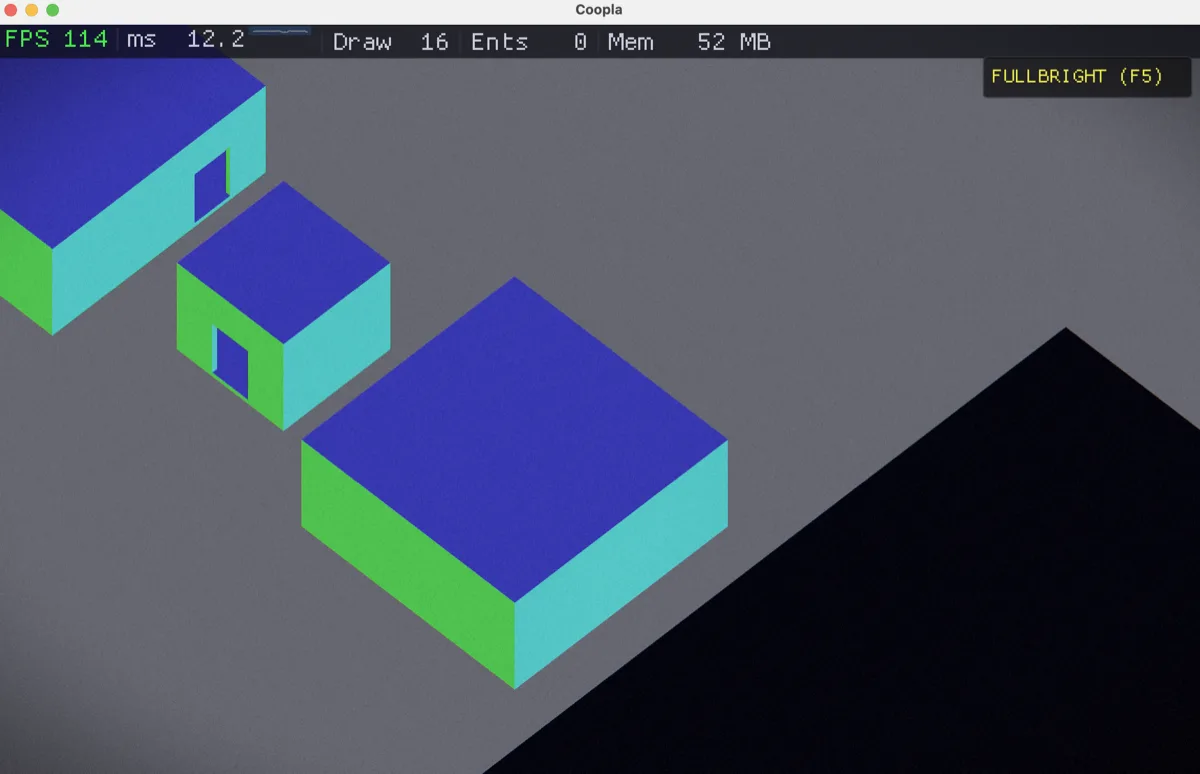
Looking at the game from here made me think about controlling the character like an ARPG. This led to an isometric camera, click to move controls, and eventually a completely different game direction.
Current state: ARPG prototype
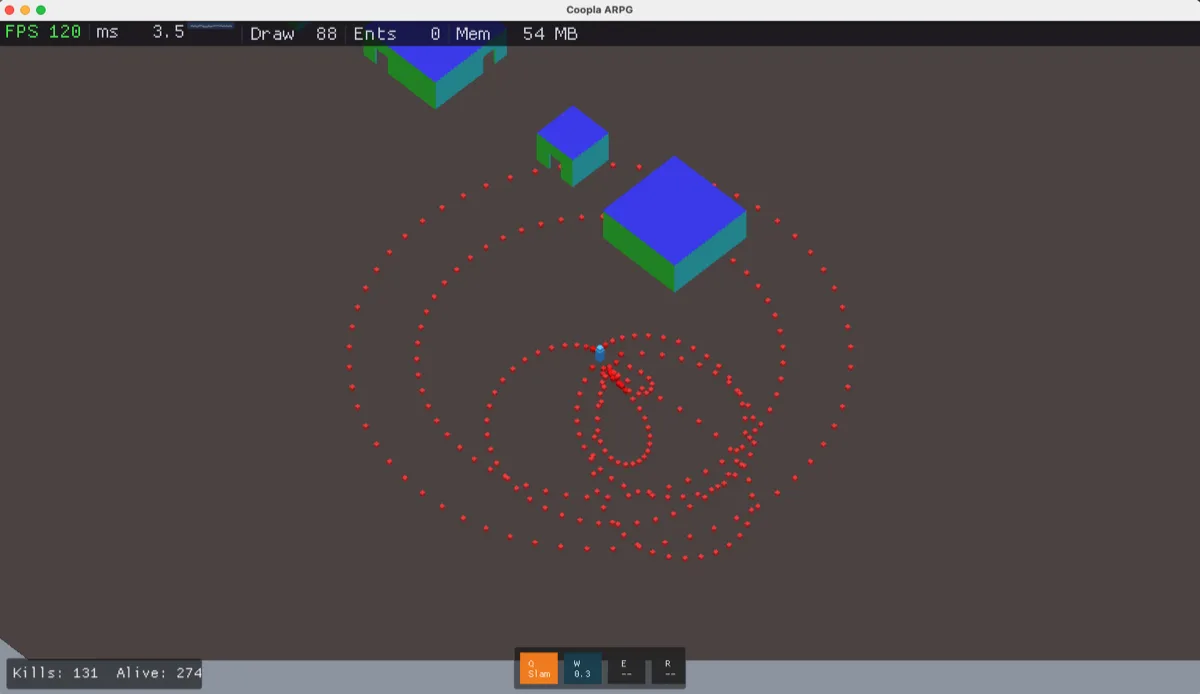
The game has pivoted to an isometric ARPG, enemies swarm in and abilities fire on cooldowns but most of all at this stage, it’s showcasing the engine’s ability to adapt.