Building a Game and Engine from Scratch
Building a game from scratch. No Unity, no Unreal, no Godot. Just C, C++, and OpenGL. The project is codenamed Coopla, and the custom engine powering it is called Terra.
Game, Engine & Libraries
The engine is written in C17 with OpenGL 3.3. No massive framework, no bloated dependency tree. Just enough to get pixels on screen and a player moving through 3D space.
Game specific code on top, the engine in the middle handling rendering, input, camera, lighting and audio, and platform libraries at the bottom.
First Signs of Life
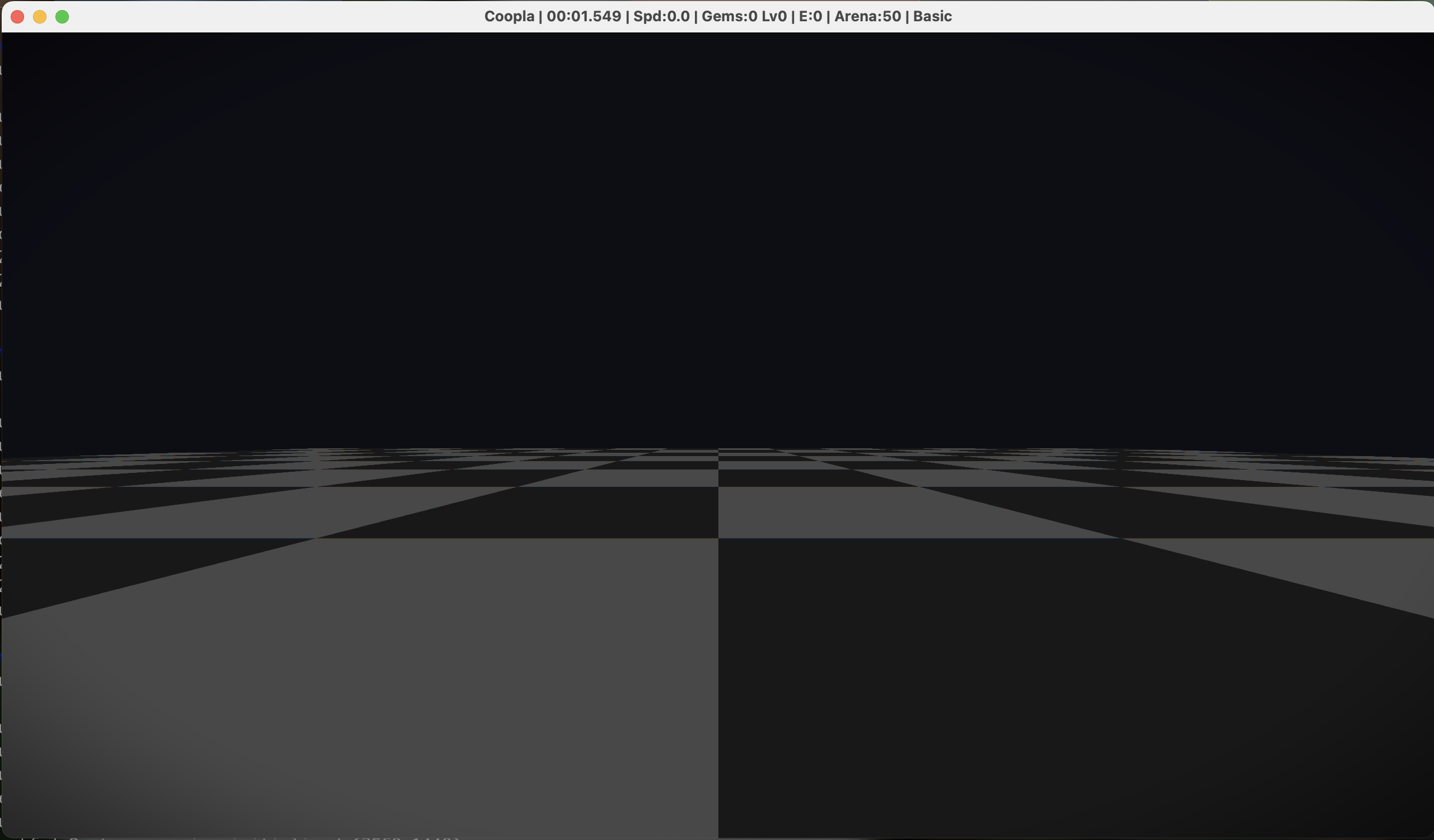
The first milestone was getting the renderer working and hooked up to the game. Just a chequered floor at this point but its proof that terra + coopla were working and at this point we have the basics: shaders, camera moving, game loop ticking etc.).
Building the Tools
I integrated ImGui — an open source C++ GUI library which is really useful for building game engine tools with. For example, using this GUI library, I am able to list a set of game variables as sliders and then mess around with them in real time.
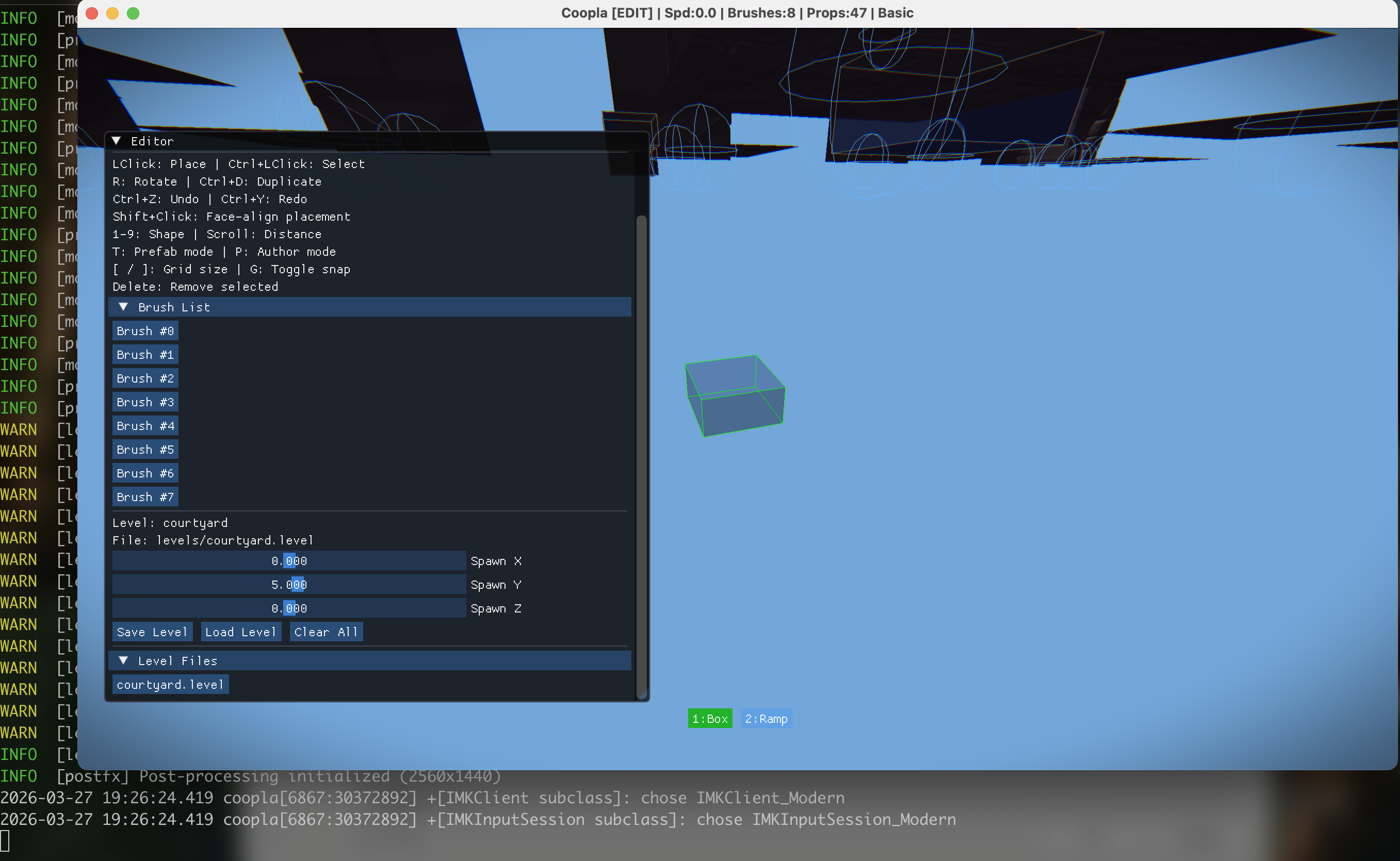
The editor started simple, place brushes (the basic building blocks of level geometry — walls, floors, ramps), move them around, save and load levels.
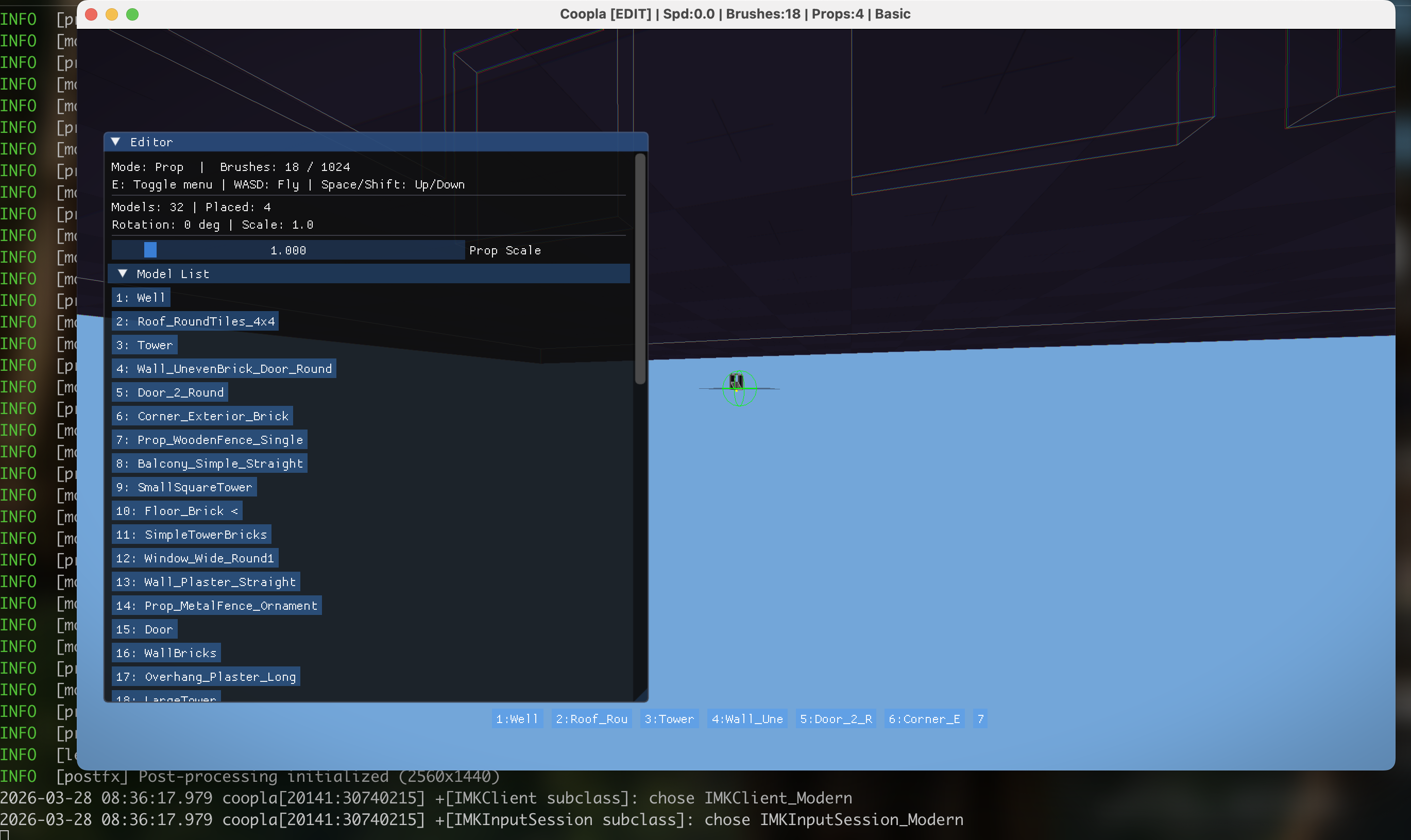
I built an asset pipeline that lets me browse and import 3D models from online packs (glTF/GLB format). The editor has a model list, and you can drop props straight into the scene which is useful for quick prototyping.
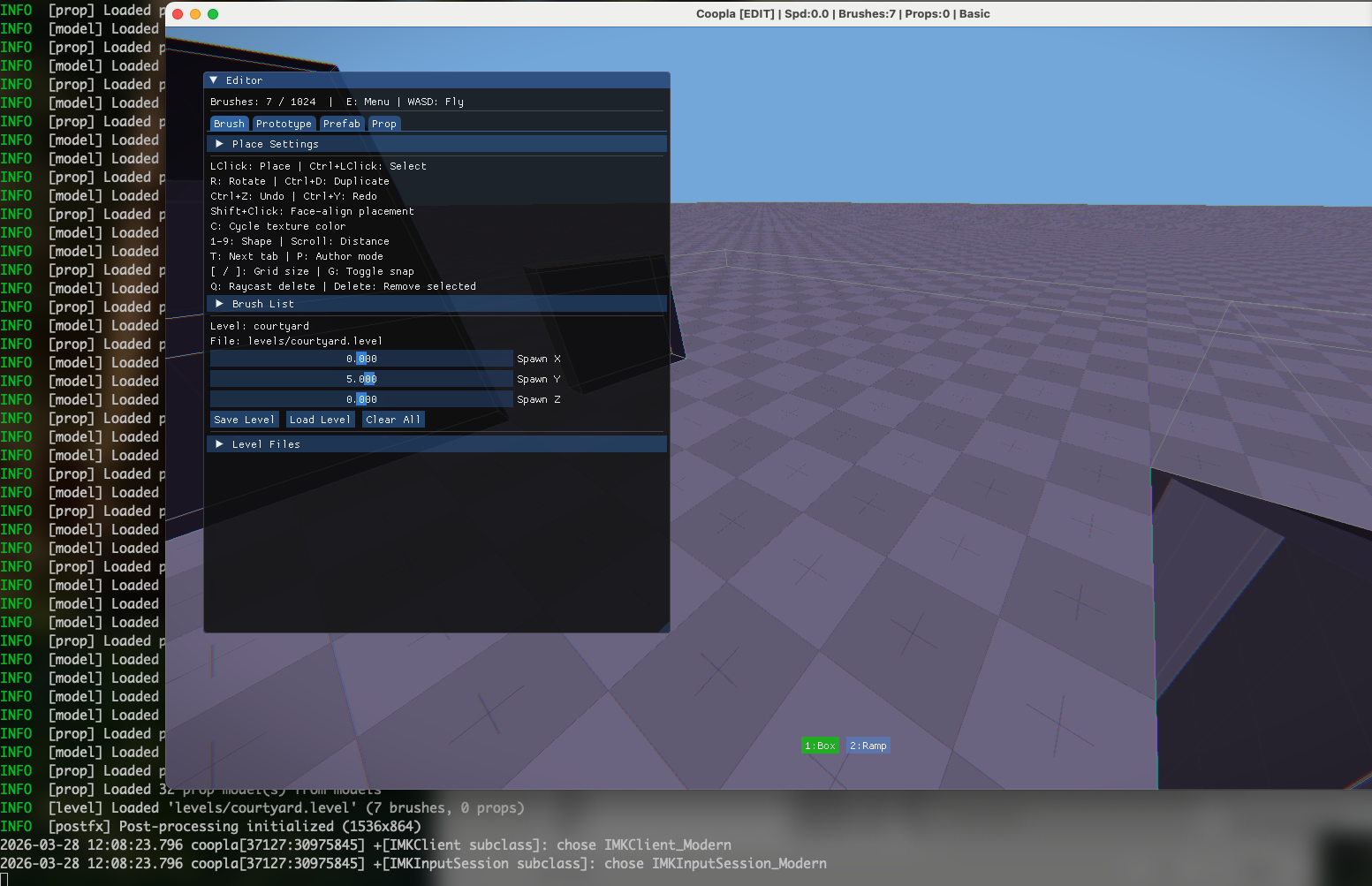
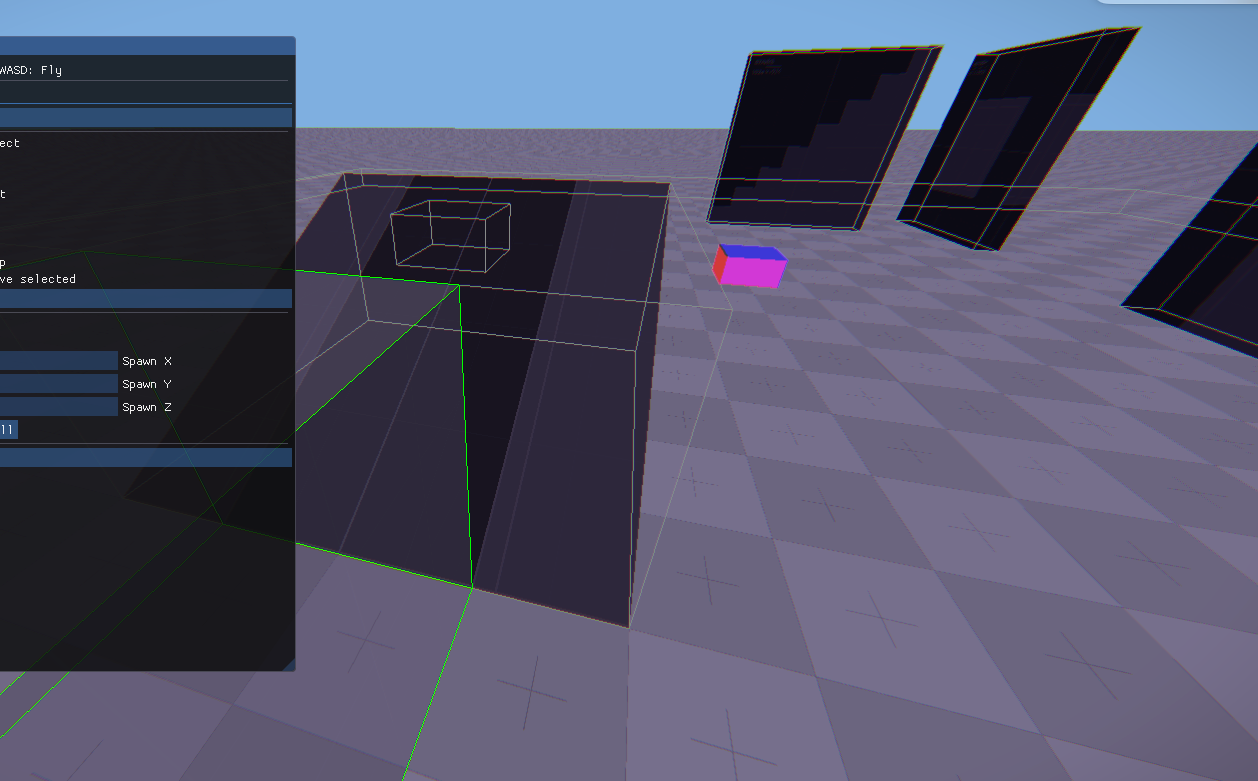
The editor ended up with five modes/tabs — Brush, Prototype, Prefab, Prop, and Author. Having tools built directly into the engine means the feedback loop is instant: place something, hit play, test it, switch back to edit.
Nextbot Detour
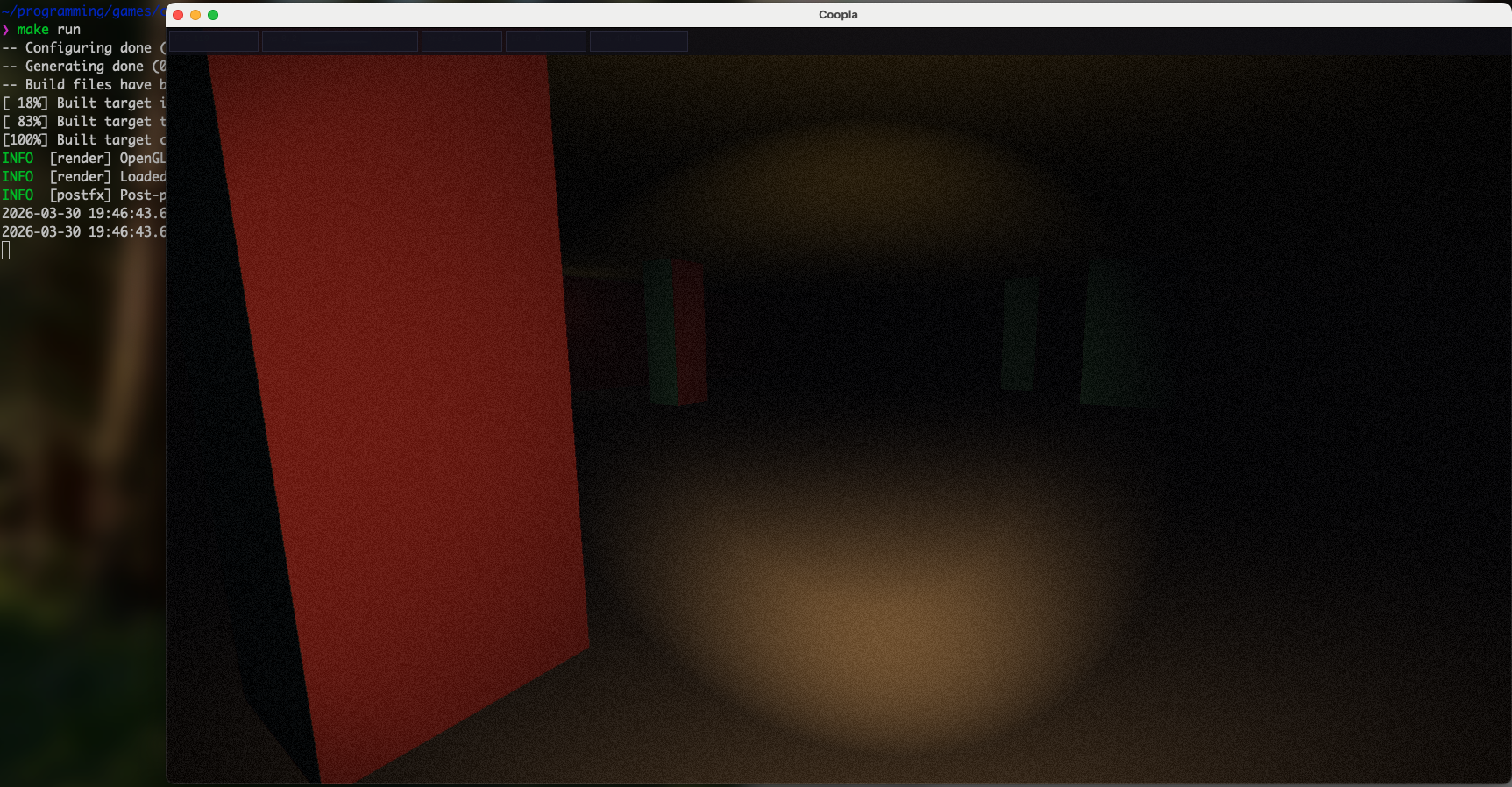
Just thought I would mess around with nextbots because I remember using them in Gmod and the code for this is widely available. I slowed the movement speed down, added fog, a torch, some pillars to hide behind, and a nextbot chasing the player through a dark room.
Zooming Out
I then started experimenting with procedurally generated rooms. I built a system that piece together simple rooms and arrange them in a scene.
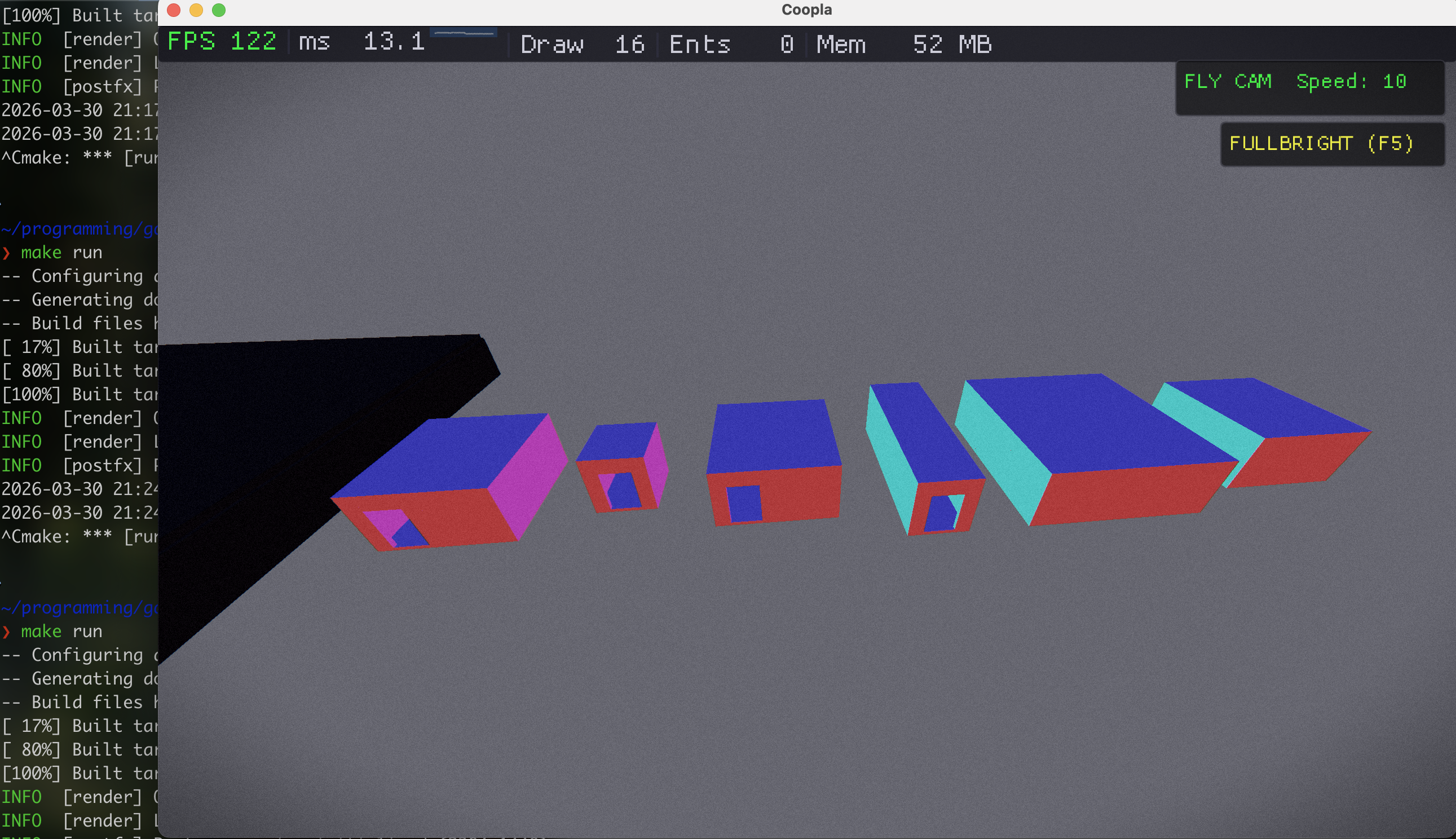
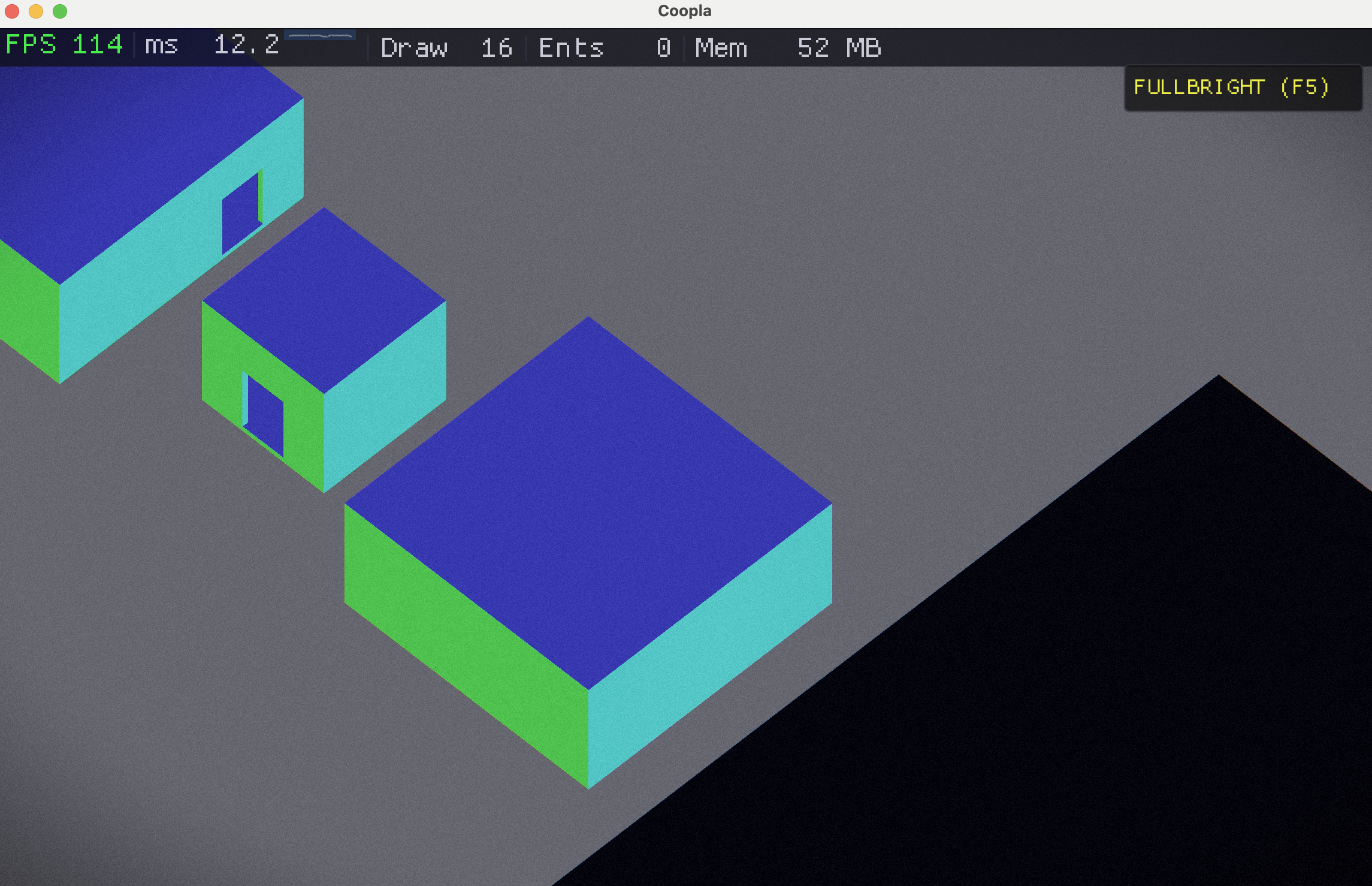
Looking at the game from here made me think about controlling the character from a birds eye view… so basically an like an Action Role Playing Game (ARPG).
Basic ARPG
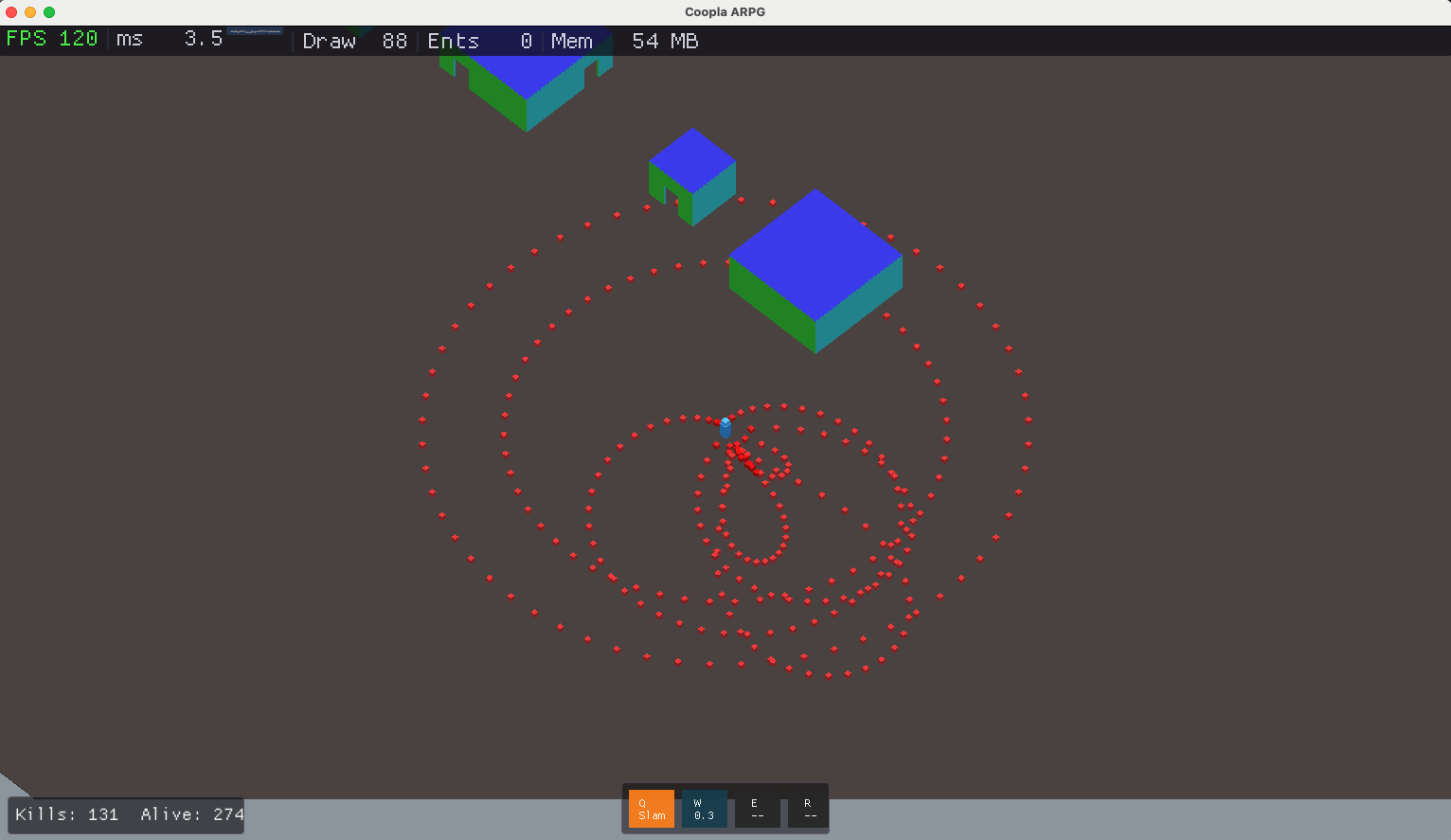
The end result as of now, more experimenting with game mechanics in this ARPG like setting.